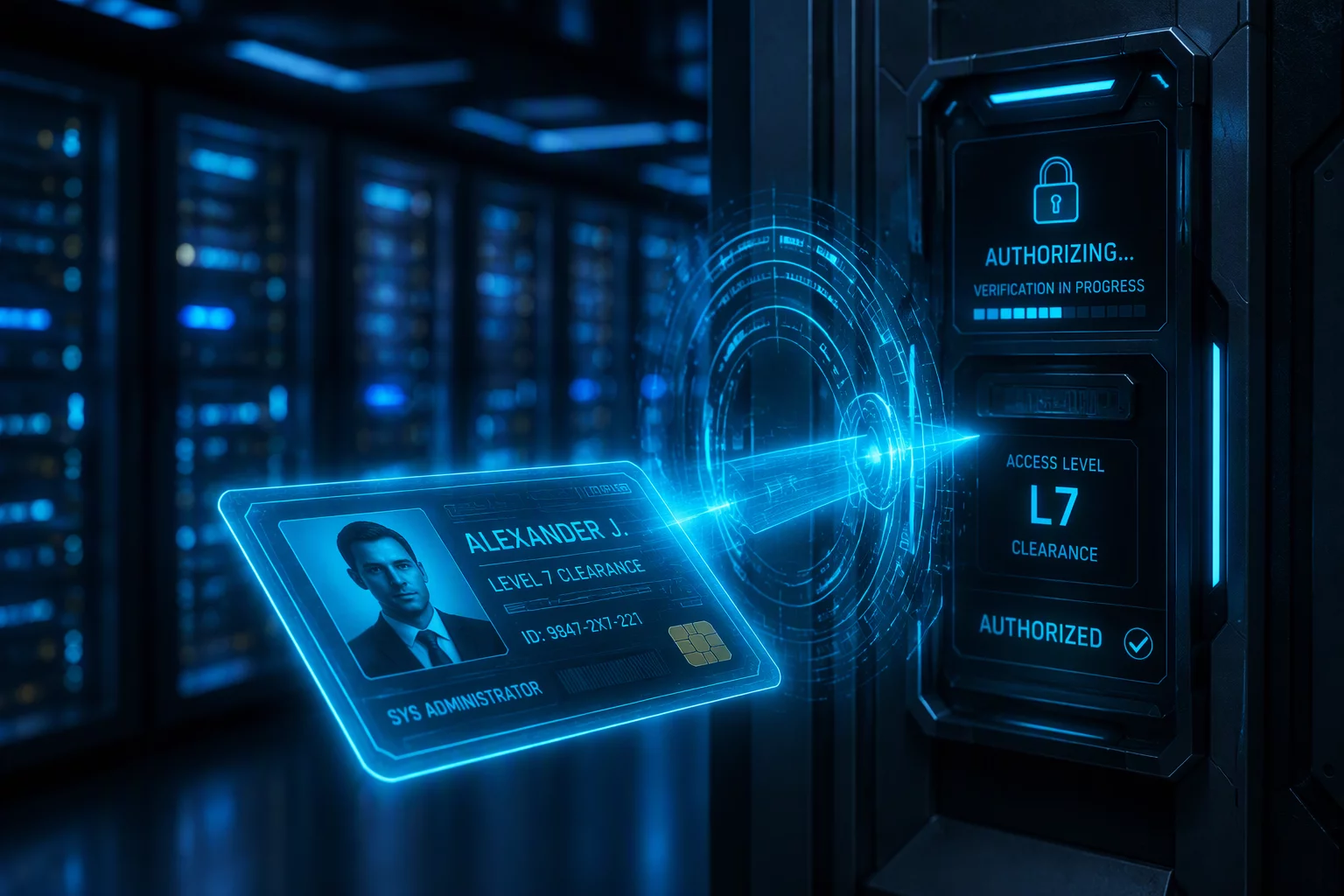
The Critical Requirement for Ownership Validation
Remote assistance relies on the foundational premise that the individual inviting a technician into an operating system actually holds legitimate rights over that endpoint. When an employee or contractor requests assistance, technicians must determine whether the caller is authorized to permit administrative alterations, driver updates, or configuration modifications. Assuming that physical possession of a laptop equates to administrative ownership creates serious operational and security vulnerabilities.
Organizations frequently handle multi-user shared workstations, temporary loaners, BYOD hardware, and contractors operating inside dedicated virtual environments. In each scenario, the boundaries of who may grant unattended or attended access shift considerably. Establishing clear identification mechanisms before issuing or accepting a session code ensures technicians do not inadvertently facilitate unauthorized data exposure or policy violations.
Zero-Trust Principle for Remote Access
Possession of an active desktop session does not imply authorization to modify operating system controls. Technicians must corroborate caller identity with directory services and asset registries prior to launching administrative support sessions.
Pre-Session Verification Steps
Support specialists must complete the following standard operational checks prior to initiating an interactive remote control session:
- Cross-reference the caller name and corporate email against active Identity Provider (IdP) directory records.
- Confirm the endpoint hostname and serial number in the centralized IT asset management inventory.
- Verify whether the requested actions involve elevated system privileges or protected department repositories.
- Obtain written or ticket-tracked manager sign-off when accessing endpoints assigned to another colleague or department.
Handling Shared Terminals and Loaner Devices
Shared conference room computers, warehouse terminals, and lab equipment frequently lack temporaryr assignment in asset management databases. In these instances, technicians should verify authorization through the designated facility manager or station supervisor rather than accepting verbal approval from an unverified bystander. All actions executed on unassigned assets must be logged with explicit references to the authorizing supervisor.
When contractors request diagnostic connections on company-issued loaner laptops, support teams must ensure that temporary profiles have not exceeded their project expiration dates. If any discrepancy appears between the ticket requester and the machine's assigned custodian, the technician should pause the intake process until identity reconciliation completes within the ticketing system.
Frequently Asked Questions
The technician must decline immediate remote connection. Accessing a device assigned to another individual requires explicit delegated authorization confirmed through the asset custodian and their direct manager via an approved ticketing workflow.
For BYOD devices, verification focuses on Mobile Device Management (MDM) enrollment and corporate container authorization. Technicians limit access strictly to company workspace profiles and enterprise applications, never personal partitions.
Verbal confirmation alone is insufficient in enterprise environments. Technicians must validate the request against an authenticated support ticket, multi-factor prompt, or active directory contact record.