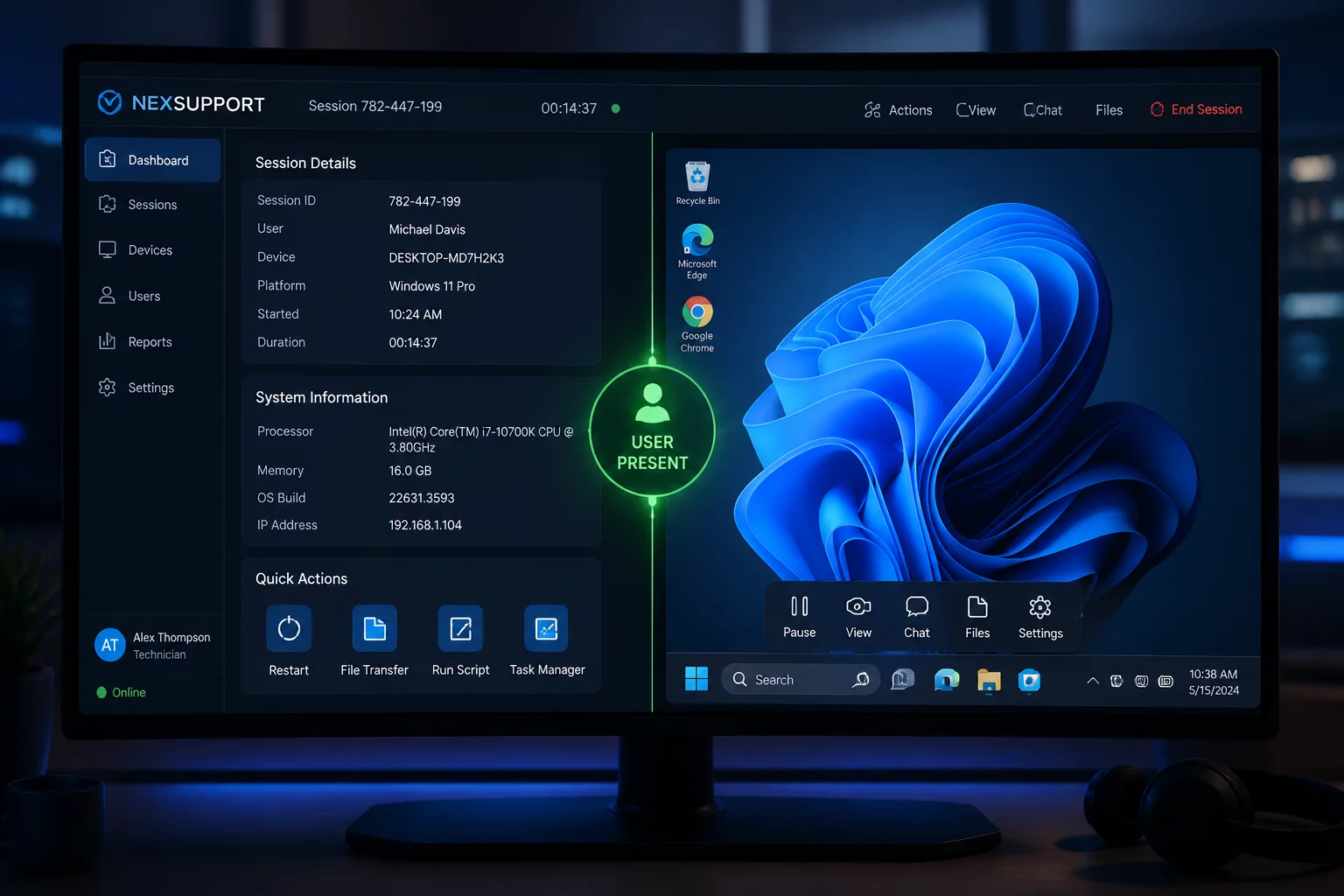
The User Is Present: What Changes?
Agree on visibility and a pause method while the user observes the session.
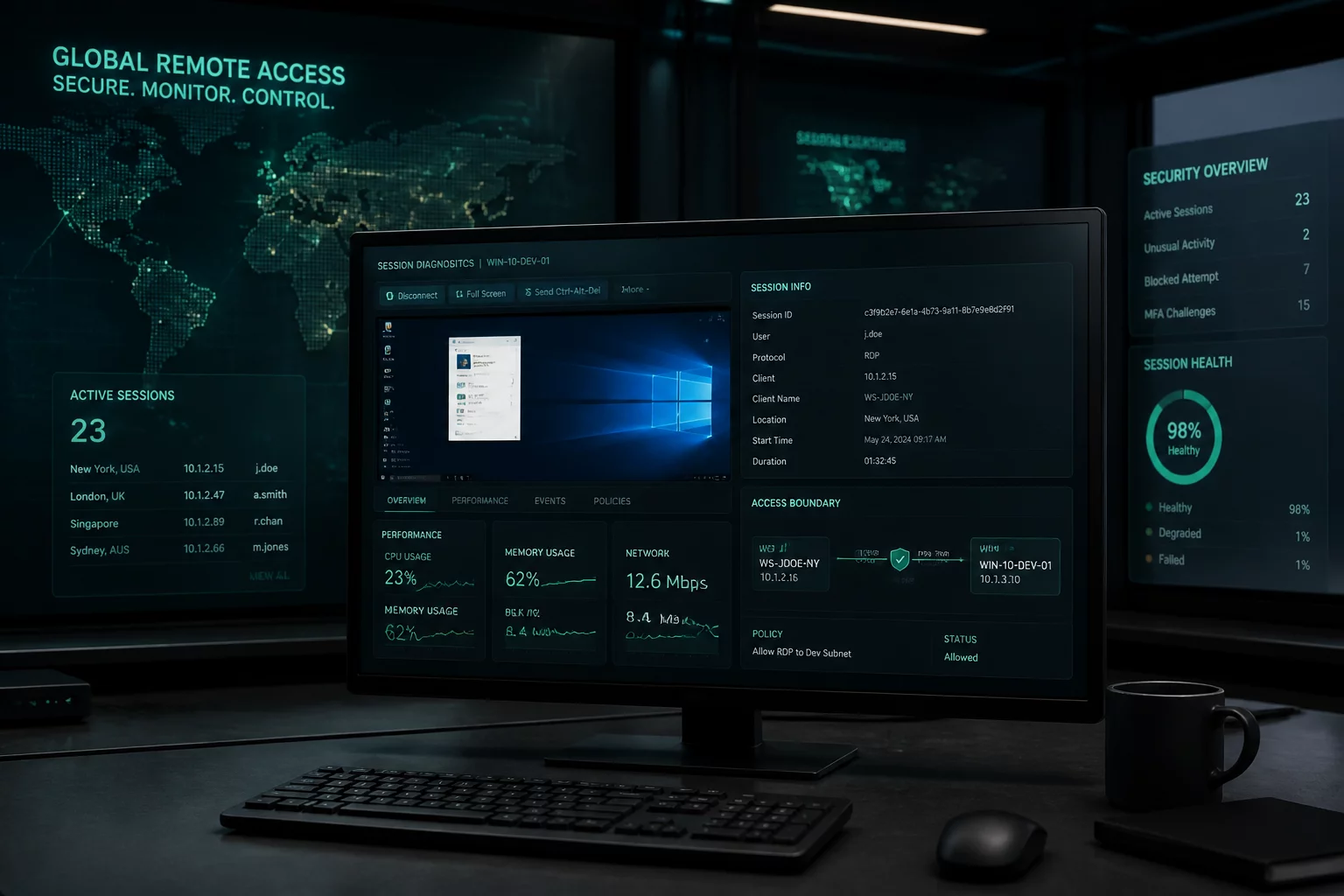
Explore scenarios about consent, attended access, unattended devices, handoffs, session scope, and closure.
What should be clear before, during, and after someone enters another device?
Request→Permission→Session→Action→Confirmation→Closure
Start with a Session Boundary Scenario: what should be agreed before access, kept clear during the session, and confirmed after it?
Agree on visibility and a pause method while the user observes the session.

Separate the connection code from permission for the task and any future access.
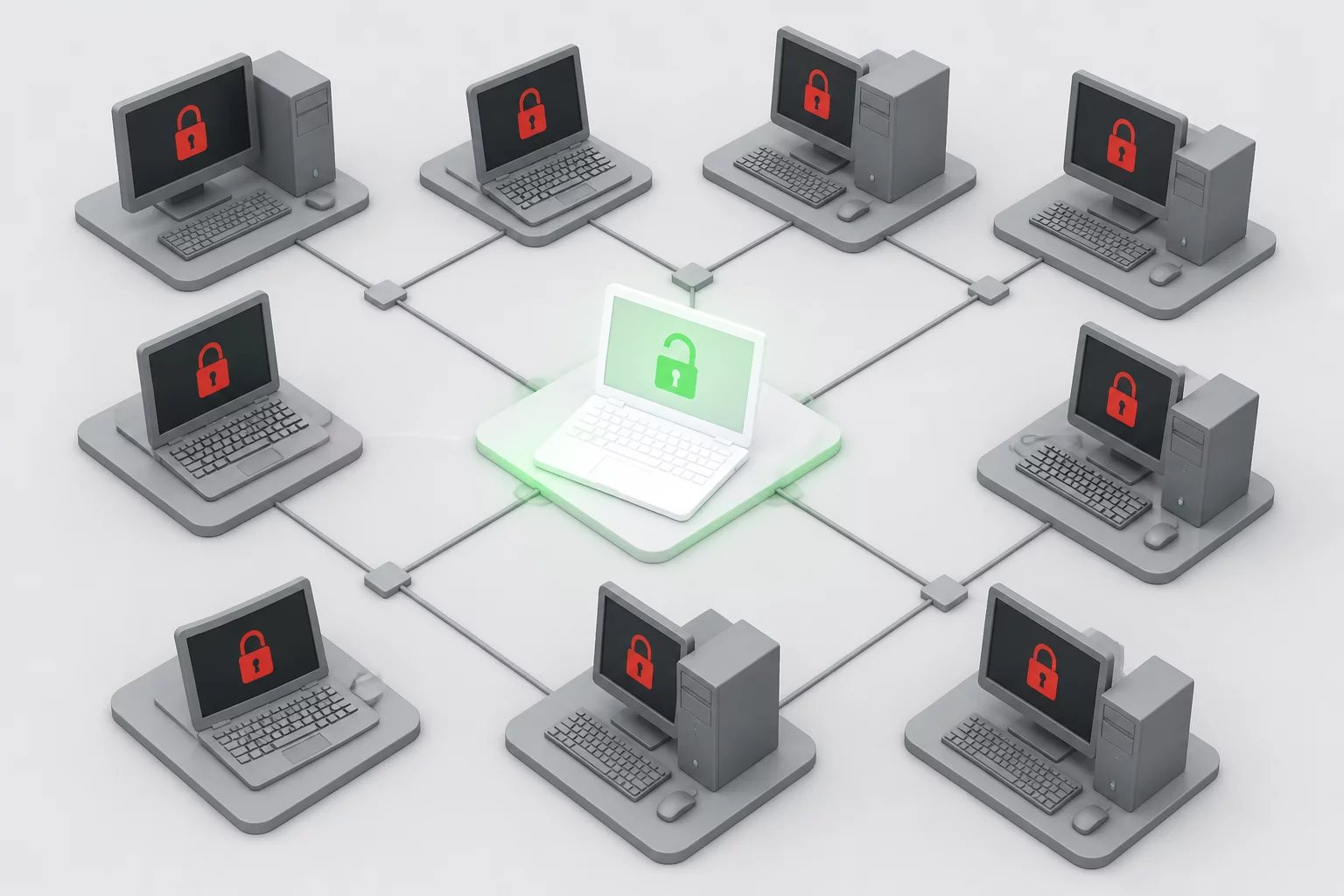
Keep permission tied to the approved device instead of the whole environment.
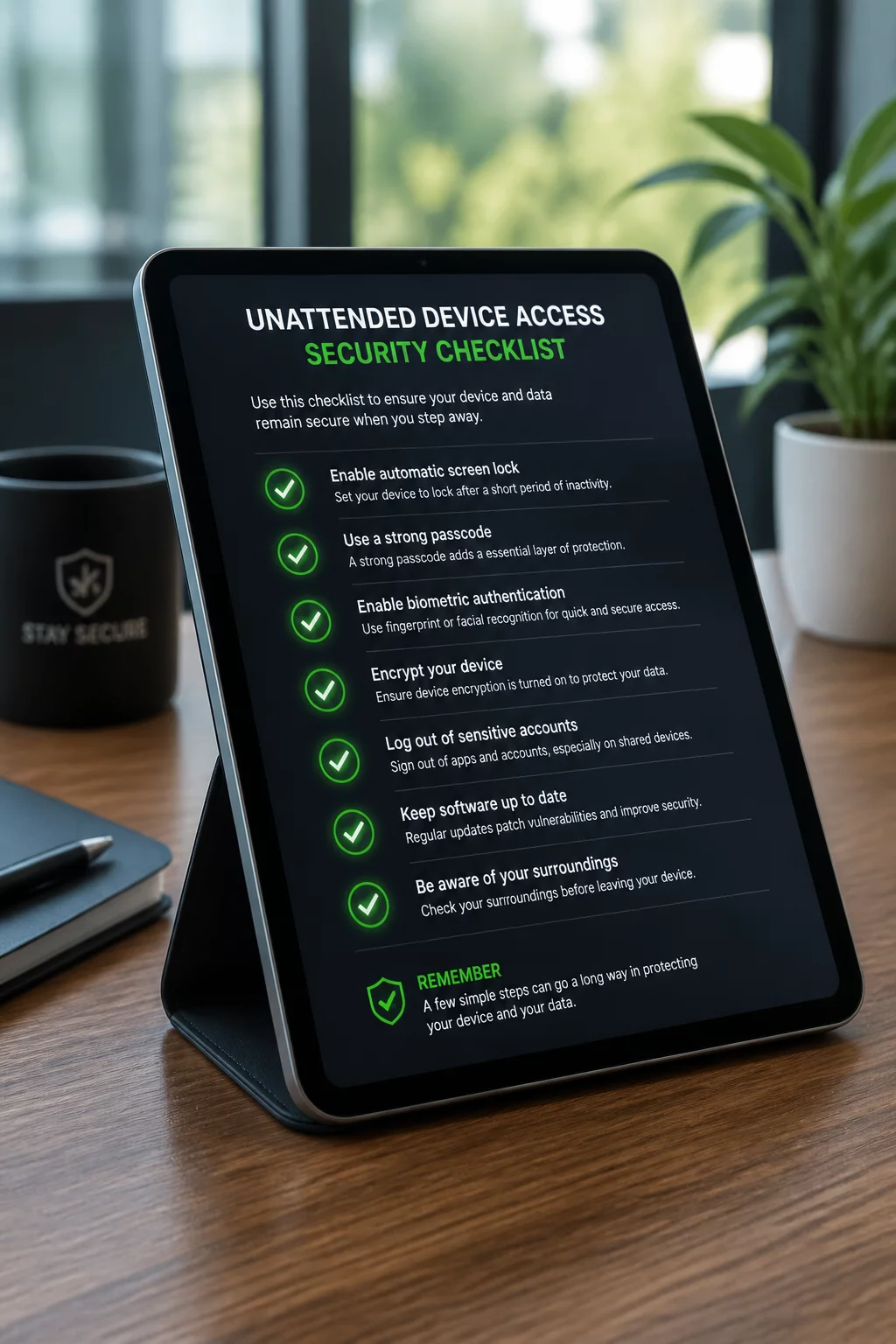
Clarify the owner, device, permitted actions, and access window before unattended work.
A completed task still needs outcome confirmation and verified session closure.
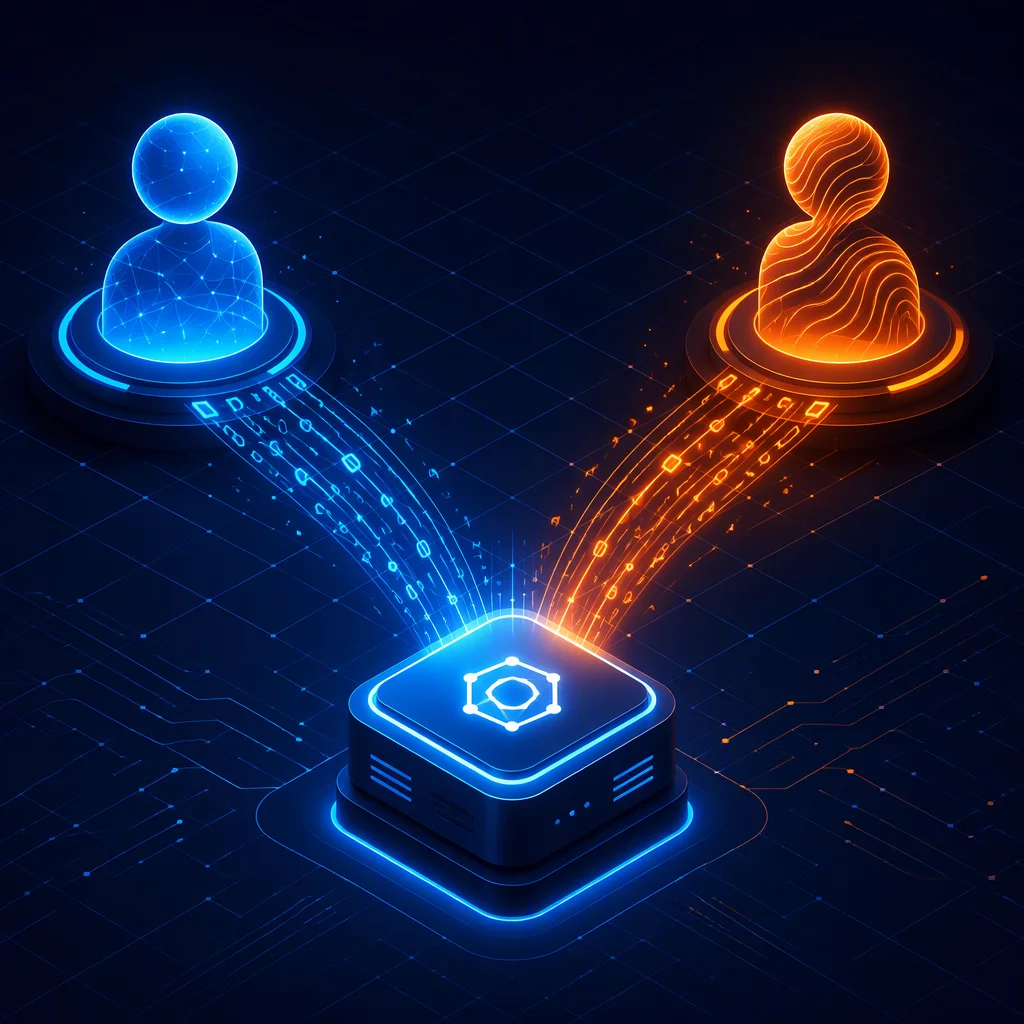
Introduce the next technician and transfer context without expanding permission.
Pre-session clarity protects both the user and the support engineer. Explicitly separating authorized technical interventions from restricted operations avoids boundary drift and miscommunication.
Examples of work that may be included when explicitly agreed for the specific device and task:
Actions prohibited during routine remote assistance without separate written escalation:
Follow one support session through Before, During, and After: Request → Permission → Session → Action → Confirmation → Closure.
Confirm who needs help, which device may be accessed, why access is needed, and which actions are allowed. Choose an attended or previously authorized unattended context.
A connection code or a reachable managed device is not a complete permission agreement.
Explain what is happening while access is active. If the device, task, privileges, or technician changes, pause and confirm whether the existing permission covers the change.
An active connection does not grant permission to inspect unrelated files or other devices.
Check the result with the user or designated owner. End the active connection using the product’s documented controls and record what remains authorized, if anything.
A resolved issue and a closed session are separate confirmations. Continuing managed access needs its own stated authorization.

The final steps to ensure a remote connection is fully terminated.

Best practices for capturing and recording user permission prior to access.
Clear, single-sentence definitions explaining how connections, authorization boundaries, and specialist workflows operate.
A live remote connection initiated only while the device owner is actively present and observing all on-screen actions.
A pre-authorized background session established on a managed endpoint without demanding live user interaction at launch time.
A connection code displayed in the user’s SOS app for attended access. It identifies the connection context; permission and closure must be agreed separately.
The explicit technical and operational scope defining which exact folders, applications, and hardware components a technician may touch.
The structured operational transfer of active diagnostic context and connection control from a frontline agent to a tier-2 specialist.
A chronological record of the approved device, participants, permission, relevant actions, outcome, and closure. Record only what is necessary and exclude secrets.

How technicians and users collaborate effectively while sharing a screen.

Why comprehensive session records are critical when the user is not present.
Have a question about consent, attended access, unattended devices, handoffs, scope, or closure? Send your comment to the editorial team.
SessionBoundary Playbook is a strictly independent, educational knowledge base dedicated to remote support workflows, security limits, and access governance. Review what our platform does and does not provide below.
This resource never initiates, routes, or brokers remote connections. We do not maintain relay servers or connection clients.
We never generate, transmit, or validate 9-digit session keys, OTP tokens, or temporary PINs for remote sessions.
SessionBoundary Playbook never requests, stores, or processes administrative passwords, device tokens, or private user files.
We are not a vendor technical desk. We do not provide device troubleshooting, live screen takeover, or paid service tiers.