Handoff and Escalation Principles
- Tier-1 specialists must notify the user explicitly before initiating an invitation or transferring screen control.
- Secondary technicians inherit only the pre-negotiated scope, without gaining automated persistent administrative privileges.
- Session audit trails must distinguish individual technician inputs to maintain granular diagnostic accountability.
Escalation Dynamics
Why Multi-Technician Escalations Require Strict Boundary Transfers
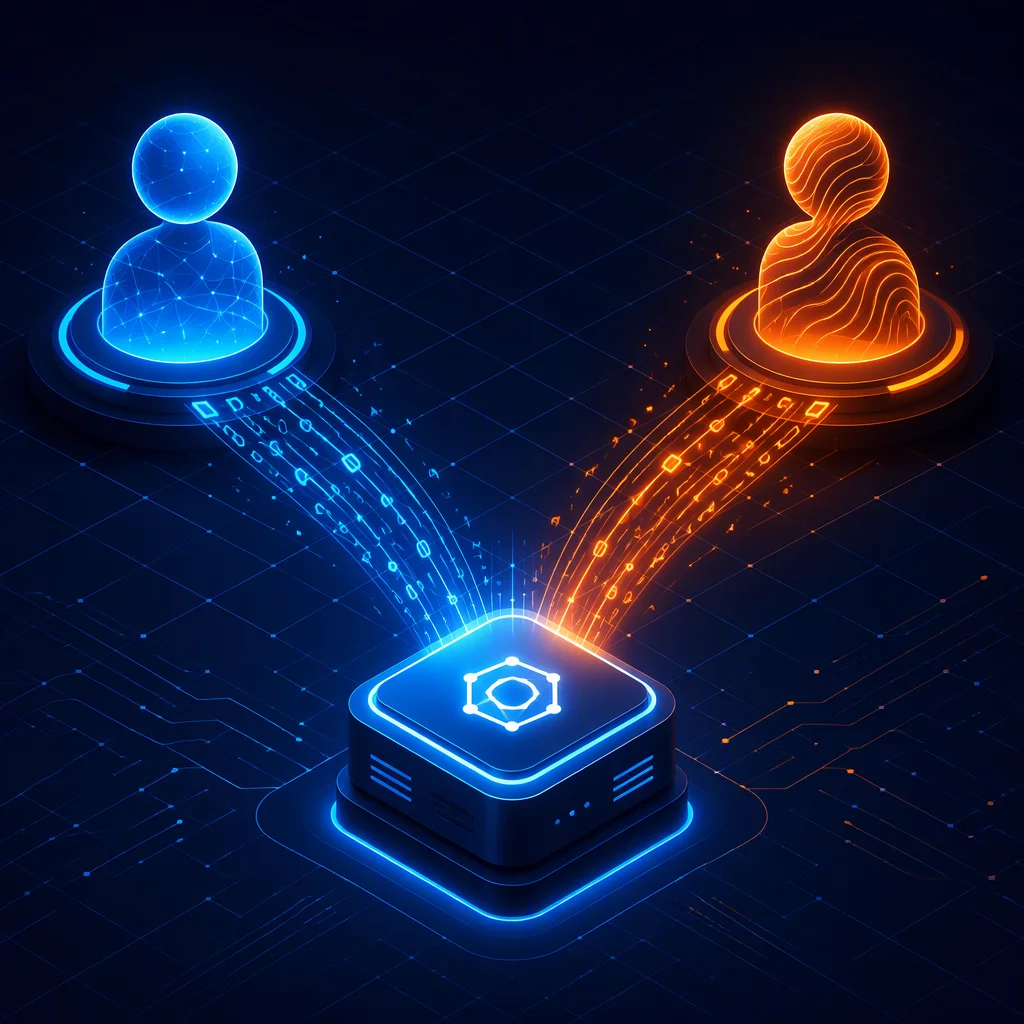
Complex incident resolution often exceeds the initial remit of front-line helpdesk teams. When diagnostic steps reveal deep driver incompatibilities, corrupted system registries, or specialized enterprise service crashes, the primary specialist frequently invites a Tier-2 specialist into the ongoing session. While this collaborative approach resolves complex technical blockers swiftly, introducing another operator without clear boundary management risks disorienting the customer and fracturing the chain of authorization.
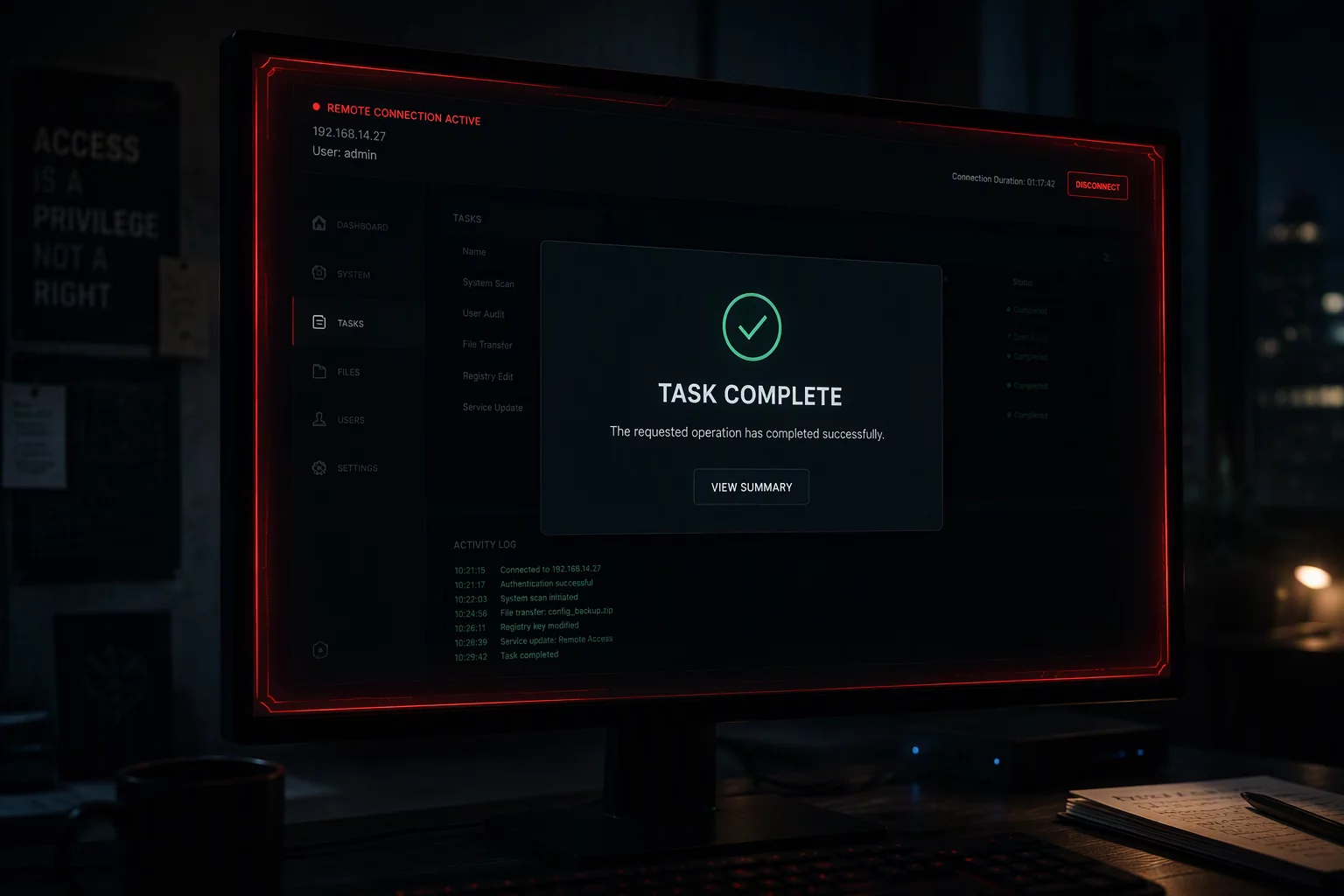
Remote desktop solutions provide shared-control features that allow simultaneous cursor inputs and administrative elevations. If the primary technician hands over control without briefing both the arriving specialist and the observing user, the session loses its defined perimeter. The arriving engineer must operate strictly within the original consent boundary, avoiding uncoordinated file system exploration or silent background agent installations that were never authorized during the initial connection handshake.
Technical Specifications
Session Boundary Timeline
Before
Request → Permission
PERMISSION TO CONFIRMExplain who will join, why they are needed, and the approved scope.
During
Session → Action
SCOPE TO MAINTAINTransfer context and control clearly; seek approval for any expanded access.
After
Confirmation → Closure
CLOSURE TO VERIFYRecord each participant and confirm their departure and the final closure.
“Escalation is a transfer of diagnostic responsibility, never a silent bypass of the user's active session consent.”
Execution Guidelines
Step-by-Step Protocols for Seamless Technician Handoffs
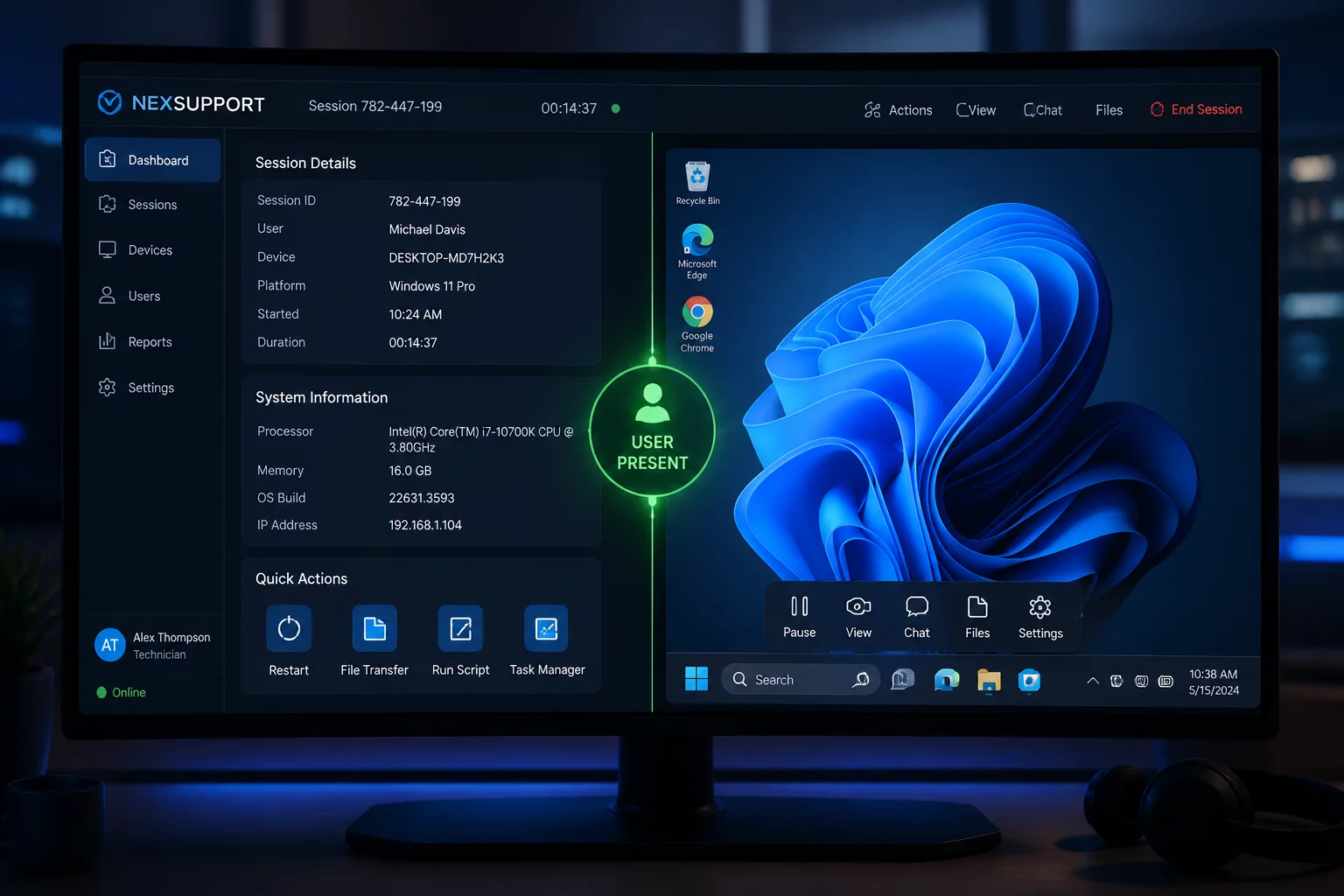
A dependable escalation sequence begins in the internal ticketing workspace before any invite link is generated. The Tier-1 technician notes all completed tests, isolation steps, and error outputs in the case file. The specialist then informs the attending user: "I am bringing in our systems specialist to inspect the registry subkeys." When the secondary specialist enters the session, input control is transferred sequentially rather than simultaneously, preventing chaotic duel-cursor conflicts.
Once the advanced diagnostic task concludes, the secondary technician disconnects immediately instead of lingering in the background. The primary technician or the senior engineer then verifies that all temporary diagnostic utilities are terminated. After confirming normal system operation with the customer, the support session is closed completely, ensuring no active listening ports or background escalation tokens persist.
Questions About Escalation Boundaries?
Explore our complete technical guides on role-based boundaries, session handoff logs, and attended remote support workflows.
Related Scenarios
Explore Related Support Scenarios