
Critical Takeaways
- Resolving the issue and closing the active session are separate steps that both require confirmation.
- An open connection may still allow viewing or control, depending on its current state; verify that state with the user.
- An agreed closing routine and suitable product controls help prevent sessions from being left open.
Operational Vulnerability
The Dangerous Gap Between Remediation and Disconnection
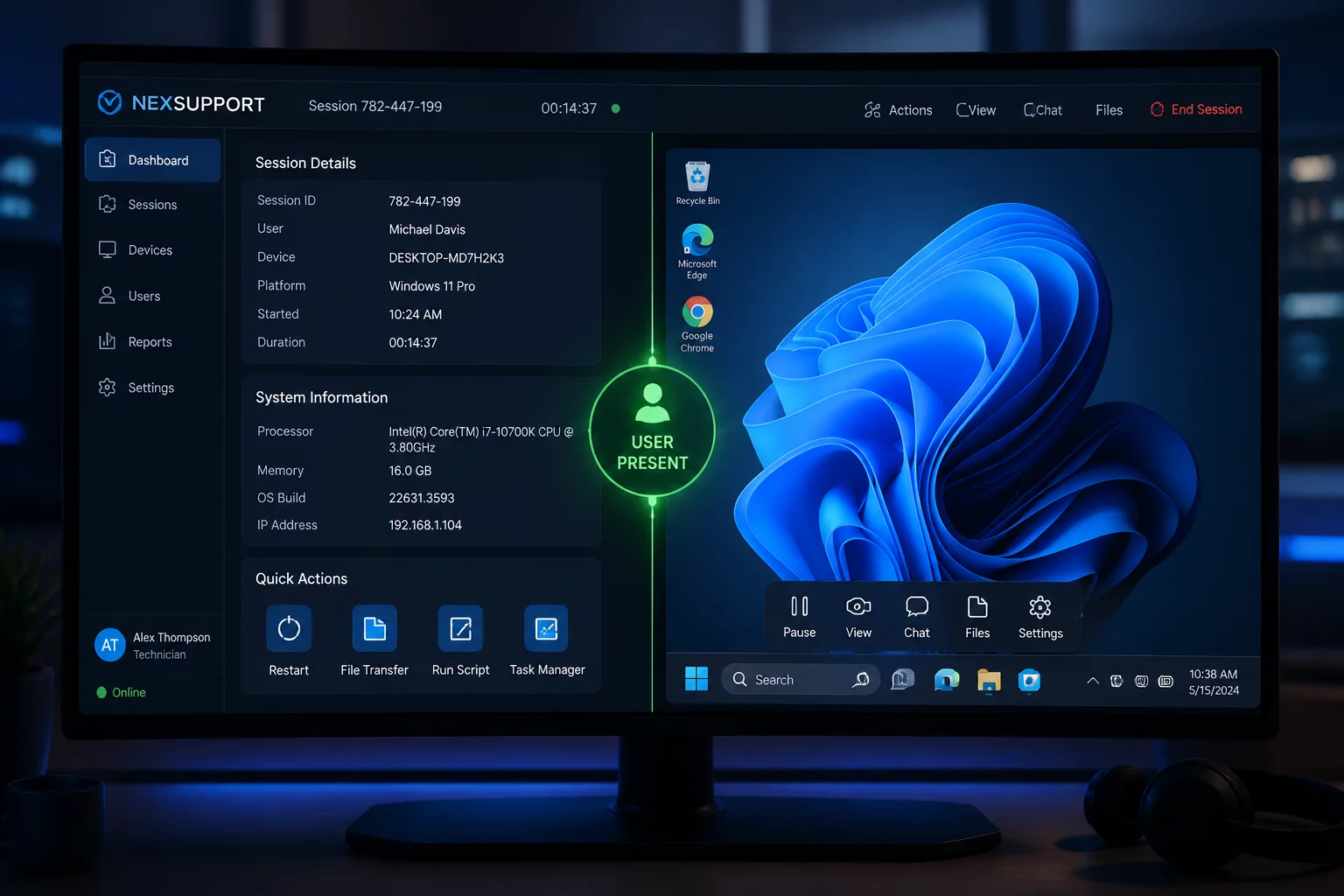
A support technician finishes reconfiguring a broken mail profile, tests outgoing mail delivery, and informs the employee that the incident is resolved. The technician immediately moves on to an urgent server alert on another monitor, minimizing the remote desktop window without hitting the disconnect button. On the client device, the remote agent remains quietly active in the system tray. The technical task was finished in minutes, yet the administrative remote access channel stayed live for an additional three hours.
This scenario occurs frequently in high-volume IT support teams. The operational objective—repairing an application, adjusting network adapters, or clearing cached credentials—is psychologically equated with closing the engagement. However, remote control software does not infer intent; it maintains the encrypted transport tunnel until an explicit socket teardown occurs. Leaving this channel open violates the principle of least privilege, leaving the endpoint exposed to accidental key inputs, unintended visual monitoring, and audit discrepancies.
Teardown Standards
Session Boundary Timeline
Before
Request → Permission
PERMISSION TO CONFIRMAgree how the session will end and who will confirm it.
During
Session → Action
SCOPE TO MAINTAINConfirm the result before leaving the device or starting another case.
After
Confirmation → Closure
CLOSURE TO VERIFYUse the documented disconnect control and verify the connection status.
“A resolved issue and a closed session are separate confirmations. Verify the outcome and the end of active access.”
Enforcement Protocols
Establishing Disciplined Closure and Automated Guardrails
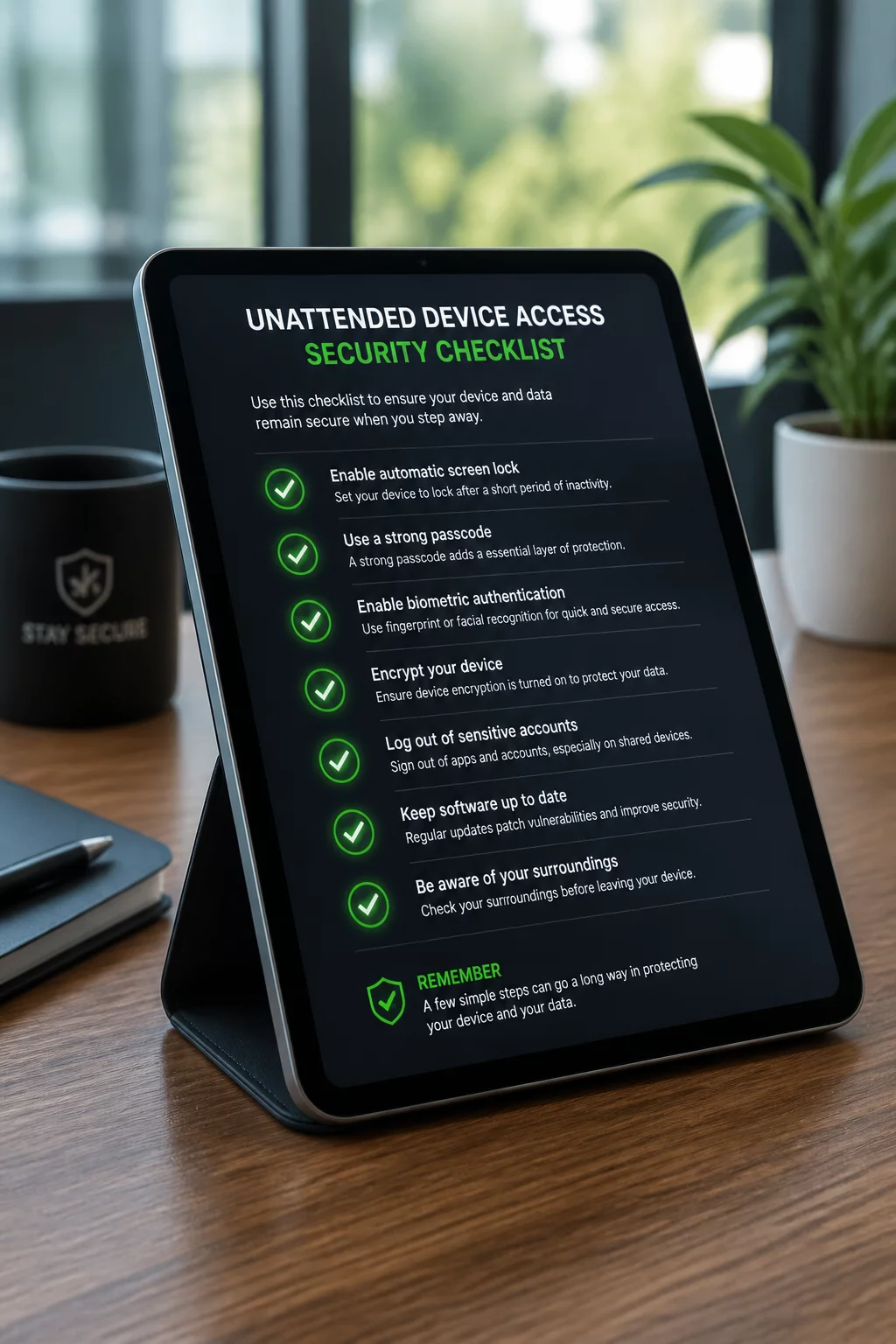
Eliminating lingering sessions requires combining technician habits with automated software controls. Helpdesk standard operating procedures should mandate a two-step closing protocol: verbal or written confirmation with the user, followed by clicking the console disconnect button prior to updating the ticket system. Technicians should never leave a remote window minimized or run background diagnostics without explicit unattended consent agreements.
Tell the user how to end access and agree on what happens if either party leaves. Use inactivity controls where the tool supports them, according to the organization’s policy. Do not invent a universal five-minute timeout or treat a timer as a substitute for checking disconnection.
Review Your Team's Session Termination Protocol
Discover how structured disconnection standards and audit trails protect both helpdesk teams and end users from boundary ambiguity.
Case Studies
Related Boundary Scenarios