Key Takeaways for Attended Sessions
- Live presence requires continuous technician commentary and transparency before opening administrative tools.
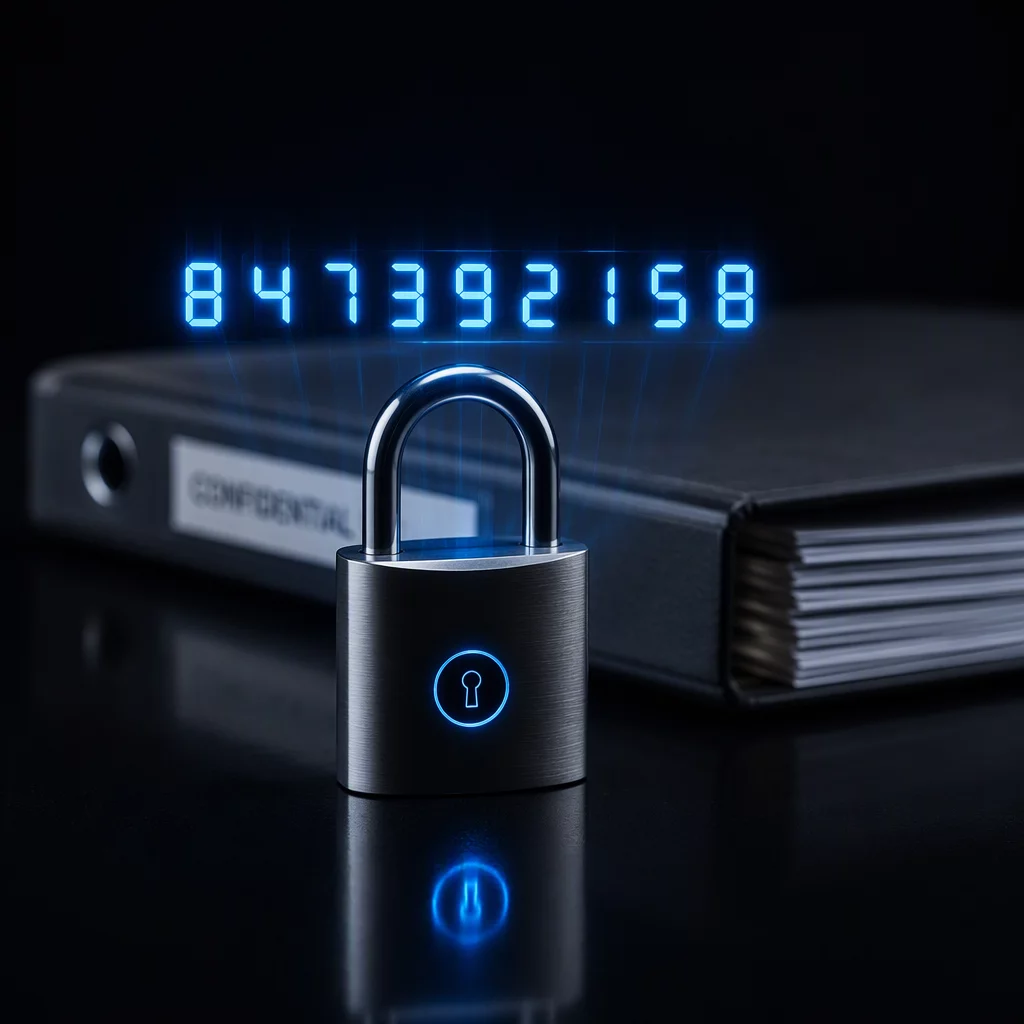
- Dynamic pin-based authorization and session pause controls help protect client privacy during active interactions.
- Turn-taking protocols prevent simultaneous input conflicts between user and technician.
Workflow Dynamics
Keeping Permission Clear While the User Is Present
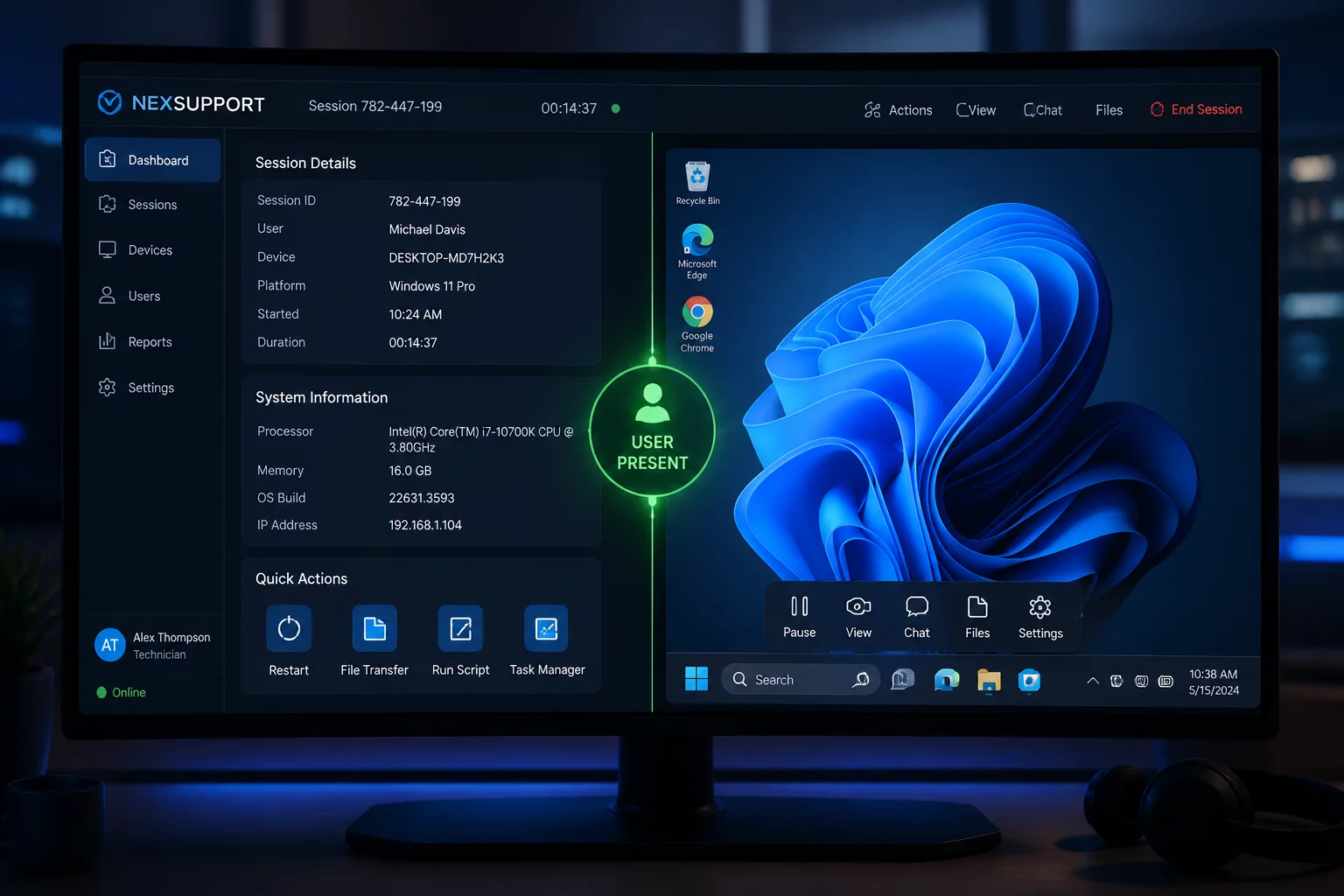
An attended remote connection differs fundamentally from automated background management. When the user remains seated at their computer, every mouse motion, opened directory, and command prompt appears in full view. Silent troubleshooting or rapid script execution without prior explanation easily provokes user anxiety. Technicians must provide clear, concise verbal or chat updates, outlining which configuration panel is being opened and what adjustments are planned before making changes.
Active participation also offers operational advantages. Users can demonstrate erratic application behaviors in real time, reproducing rare anomalies that standard diagnostic reports might overlook. However, co-management of the desktop creates collision hazards if both parties manipulate the mouse simultaneously. Establishing a clear turn-taking protocol ensures that neither diagnostic scripts nor user workflows suffer accidental disruption.
Standard Comparison
Session Boundary Timeline
Before
Request → Permission
PERMISSION TO CONFIRMConfirm the technician, one device, the purpose, and what may be seen.
During
Session → Action
SCOPE TO MAINTAINExplain each action, protect private information, and pause when requested.
After
Confirmation → Closure
CLOSURE TO VERIFYAsk the user to verify the result and confirm that remote access has ended.
“Attended support is not simply remote control; it is a shared workspace where verbal clarity and mutual boundaries preserve client trust.”
Boundary Protocols
Managing Boundaries, Screen Visibility, and Secure Disconnection
During an attended session, privacy protection must be handled dynamically. Prior to navigating system folders or reviewing storage drives, technicians should verify whether confidential materials reside in the target path. When entering credentials or handling password resets, technicians must engage session pause features or instruct the user to type sensitive information independently. Maintaining these clear operational boundaries safeguards privacy while reinforcing user confidence.
A professional session concludes with a structured exit procedure rather than an abrupt disconnection. Technicians should summarize the resolutions applied, delete any temporary diagnostic files placed on the desktop, and ensure standard display settings are restored. Once the session terminates, the software interface must clearly indicate disconnected status, leaving the user with full local control and verifiable peace of mind.
Standardize Your Support Session Procedures
Explore our complete playbook modules to establish clear attended session boundaries, privacy safeguards, and technician handoff workflows.
Related Case Studies
Explore More Session Scenarios