Core Scoping Principles
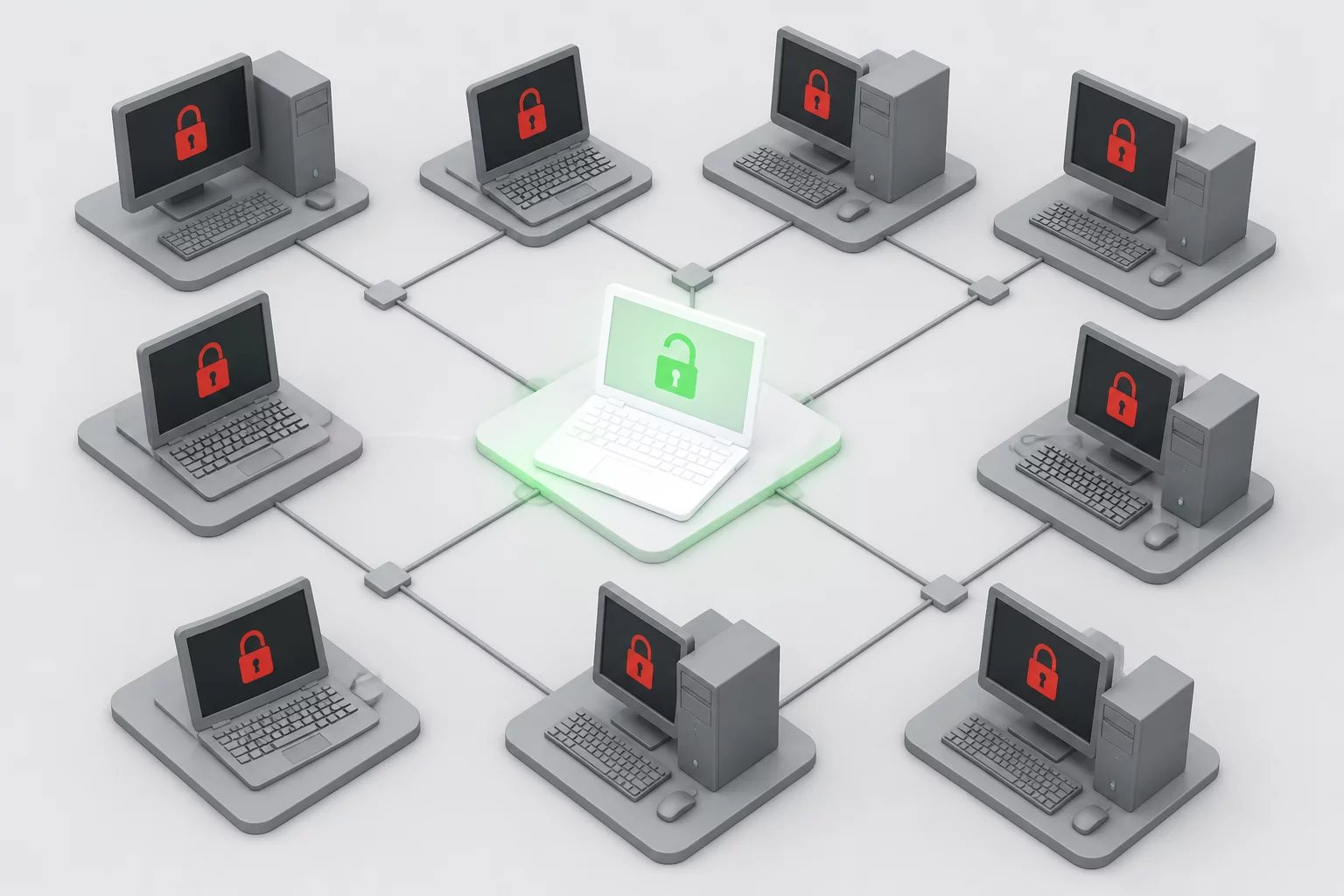
- Granular device targeting prevents unintended lateral traversal across enterprise networks during remote sessions.
- Limiting connection permissions exclusively to the reported asset reduces organizational risk and clarifies accountability.
- Clear endpoint boundaries prevent technicians from unintentionally modifying secondary systems or unverified shared resources.
Perimeter Containment
The Perils of Over-Provisioned Endpoint Access
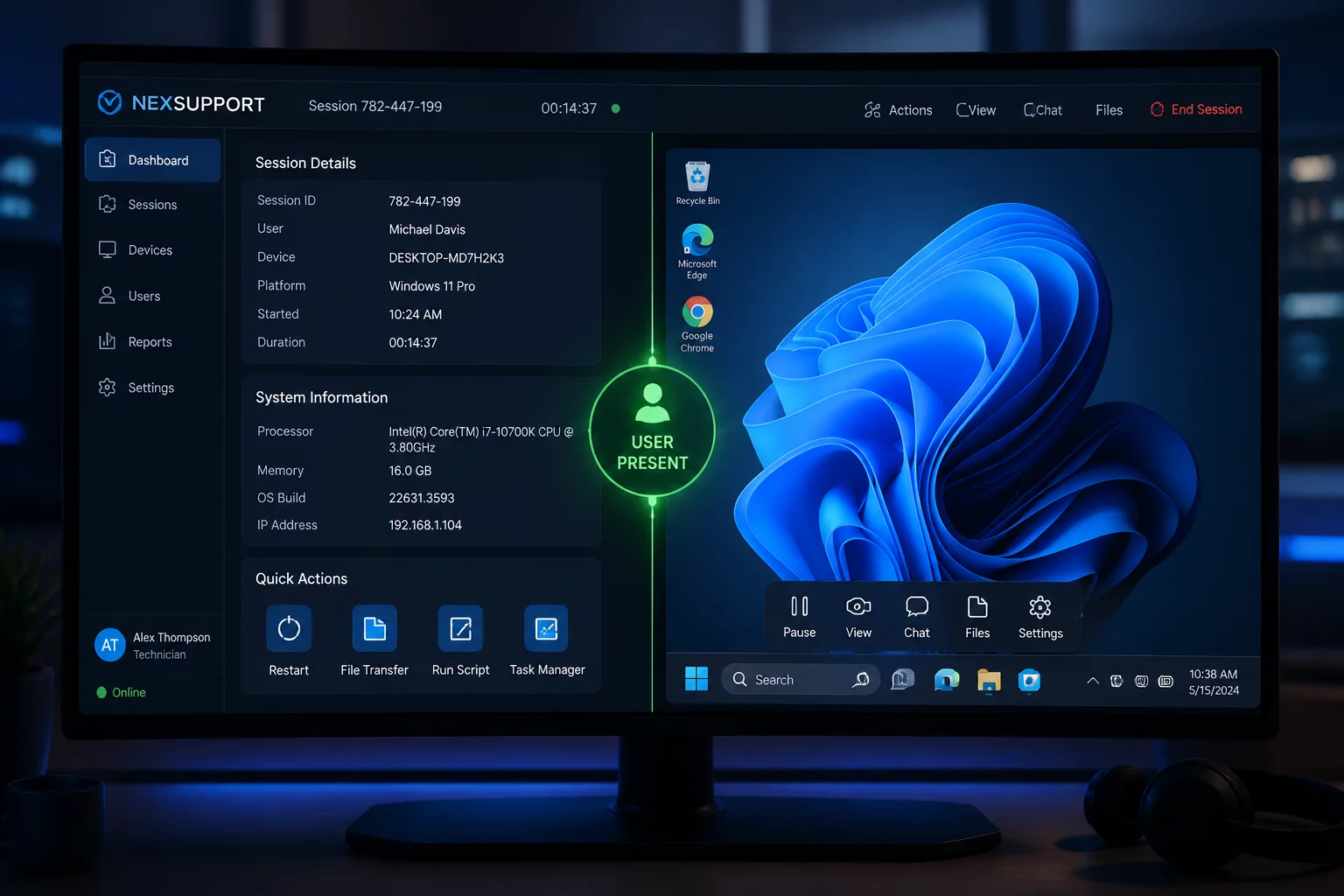
When a user contacts helpdesk about an issue with an application on their dedicated desktop, the technician requires visibility only into that specific runtime environment. In legacy remote desktop architectures, technicians frequently received broad network-level tunnel access or blanket administrative rights across multiple subnet nodes. This approach violates the principle of least privilege, opening pathways for accidental misconfiguration or broader security exposures.
Targeting one machine establishes a clear permission boundary. A remote connection may still expose linked drives or other resources, so the technician must avoid them unless separately approved. Device-specific access is a workflow limit, not a guarantee of technical isolation.
Operational Standards
Session Boundary Timeline
Before
Request → Permission
PERMISSION TO CONFIRMIdentify the approved device and owner; list excluded systems.
During
Session → Action
SCOPE TO MAINTAINStop and obtain separate approval before touching another device or resource.
After
Confirmation → Closure
CLOSURE TO VERIFYRecord which device was accessed and whether any scope change was approved.
“Support efficiency increases when the scope is constrained. Accessing one verified device eliminates operational ambiguity and protects the entire subnet.”
Technical Implementation
Enforcing Strict Perimeter Boundaries in Practice
To enforce single-device boundaries, organizations must implement endpoint-specific access tokens or one-time session identifiers rather than persistent broad subnet permissions. Helpdesk personnel should see only the specific machine mapped to the open service ticket. Any troubleshooting step requiring access to a second system—such as a file server or a related print terminal—must require a separate ticket, distinct consent, and an independent session log.
Record work against the approved device and obtain new permission for any additional system. At closure, verify that the active session has ended and explain separately whether any previously authorized managed access remains available.
Review Your Support Perimeter Standards
Have questions about structuring single-device remote boundaries or least-privilege support workflows? Consult our editorial guidelines.
Related Scenarios
Explore Related Playbook Scenarios