Mandatory Pre-Connection Verification Standards
- Hardware ownership and machine identity must be verified through asset tags or MDM records rather than informal verbal requests.
- Explicit written authorization with predefined maintenance windows must be documented before initiating unattended background sessions.
- Keep privileges within the approved task and confirm what records will explain the work to the owner.
Authorization Framework
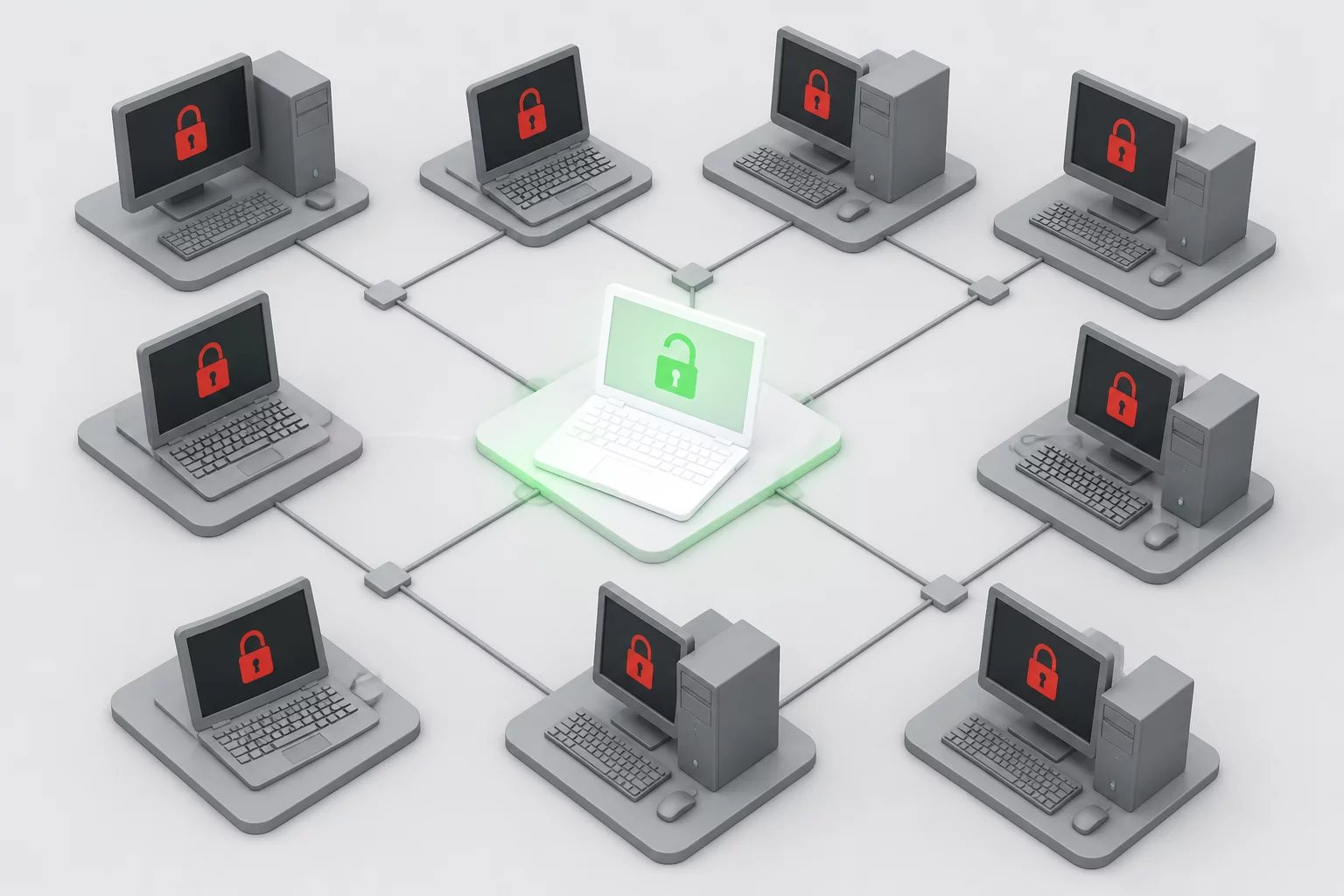
The Inherent Risks of Off-Hours and Unsupervised Access
In an attended session the user can observe and ask for a pause. When the user is absent, the approved scope and communication process must be clear in advance. Available software permissions do not give the technician permission to inspect all local data or linked systems.
Support teams must verify the legitimacy of the host device, confirm administrative ownership, and match the target IP or hostname against approved device inventory. Skipping these pre-flight checks often results in misconfigured deployments, accidental intrusion into shared personal hardware, or lingering agent access long after maintenance contracts terminate.
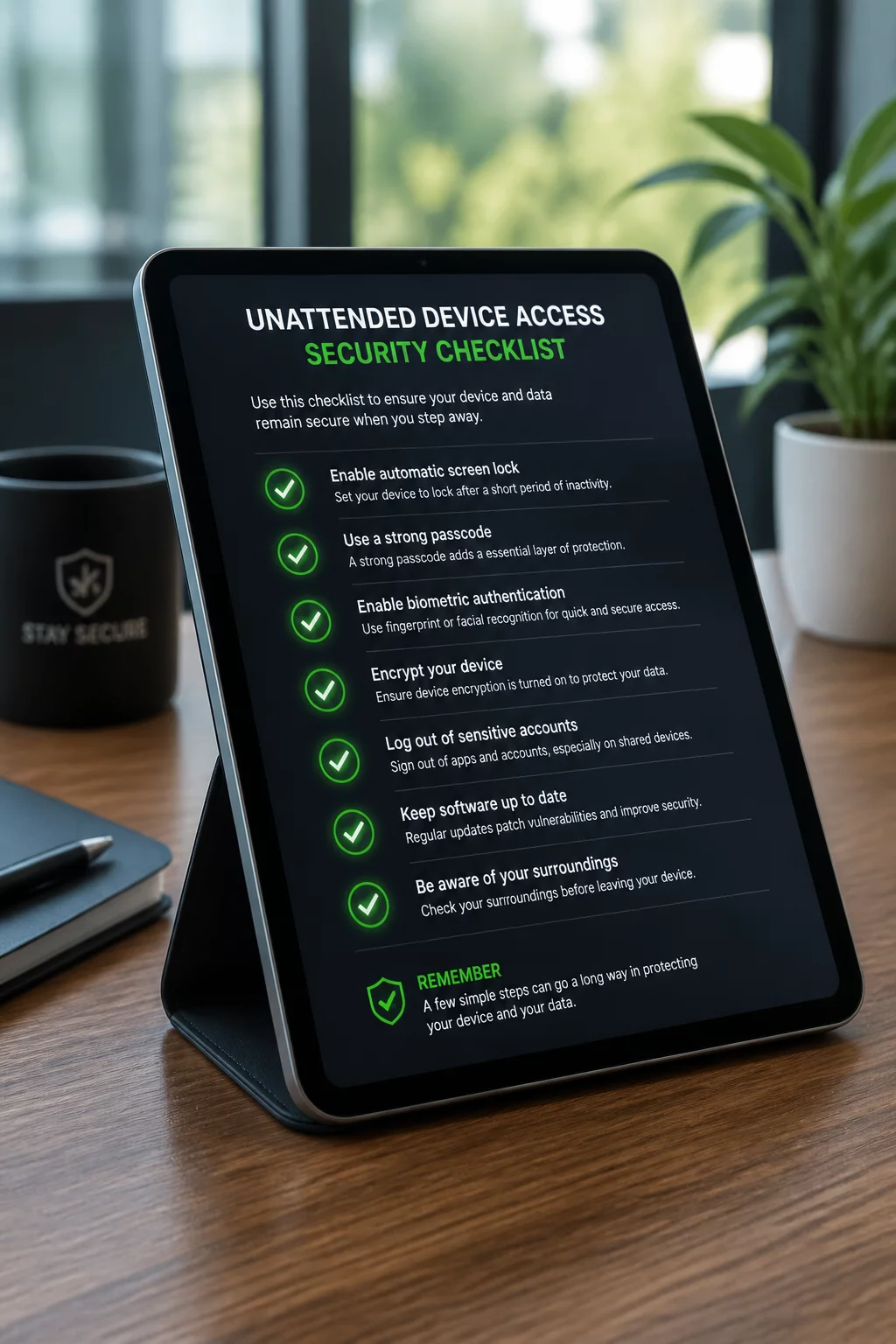
Compliance Checklist
Session Boundary Timeline
Before
Request → Permission
PERMISSION TO CONFIRMConfirm the device owner, authorized technicians, purpose, and access window.
During
Session → Action
SCOPE TO MAINTAINStay within the approved scope and use the agreed notification process.
After
Confirmation → Closure
CLOSURE TO VERIFYReport the result, end the active session, and state whether managed access remains.
“Unattended access is not a blanket hall pass. It is a scheduled, scoped trust delegation that requires documented proof of authorization before the first packet ever leaves the technician console.”
Execution Protocol
Establishing Guardrails and Post-Maintenance Confirmation
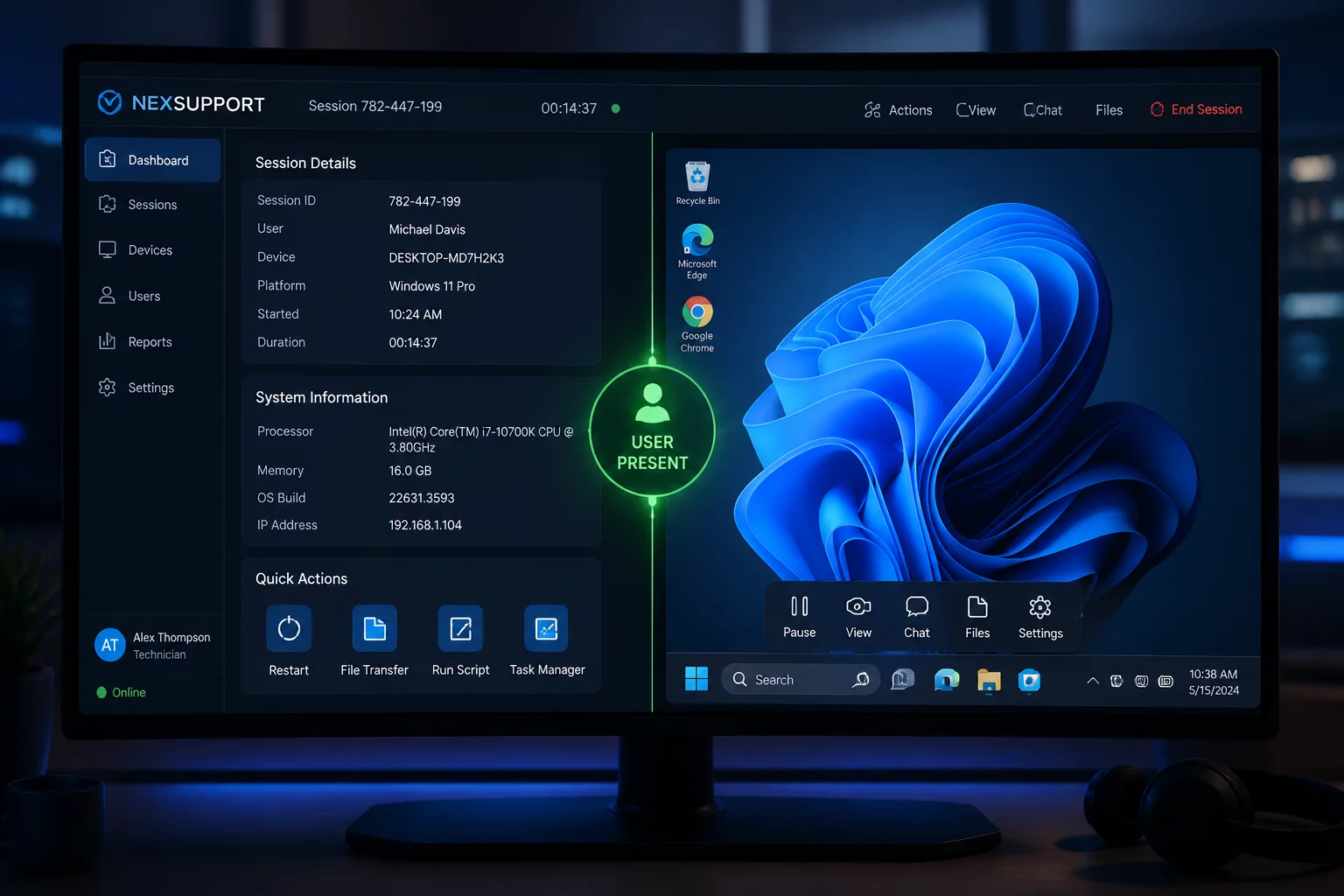
Engineers initiating unattended sessions must follow a structured initialization protocol. First, confirm that the unattended agent is locked to the official central management console. Second, check active lock-screen status to prevent exposing confidential documents visible on physical desktop monitors in open-plan offices. When configuring administrative services, record the exact ticket reference inside the connection notes so security monitors can tie network traffic directly to an approved work order.
Once remote maintenance tasks conclude, the technician must execute a formal disconnect routine. This includes clearing temporary setup packages, flushing cached installer credentials, locking the target workstation screen, and confirming session closure inside the remote support console. A complete work summary email or ticket update must be issued to the device owner before the ticket is marked resolved.
Need to Standardize Your Support Workflows?
Explore our comprehensive playbook modules on session boundaries, credential handoffs, and attended versus unattended remote protocols.
Case Studies & Scenarios
Related Session Scenarios